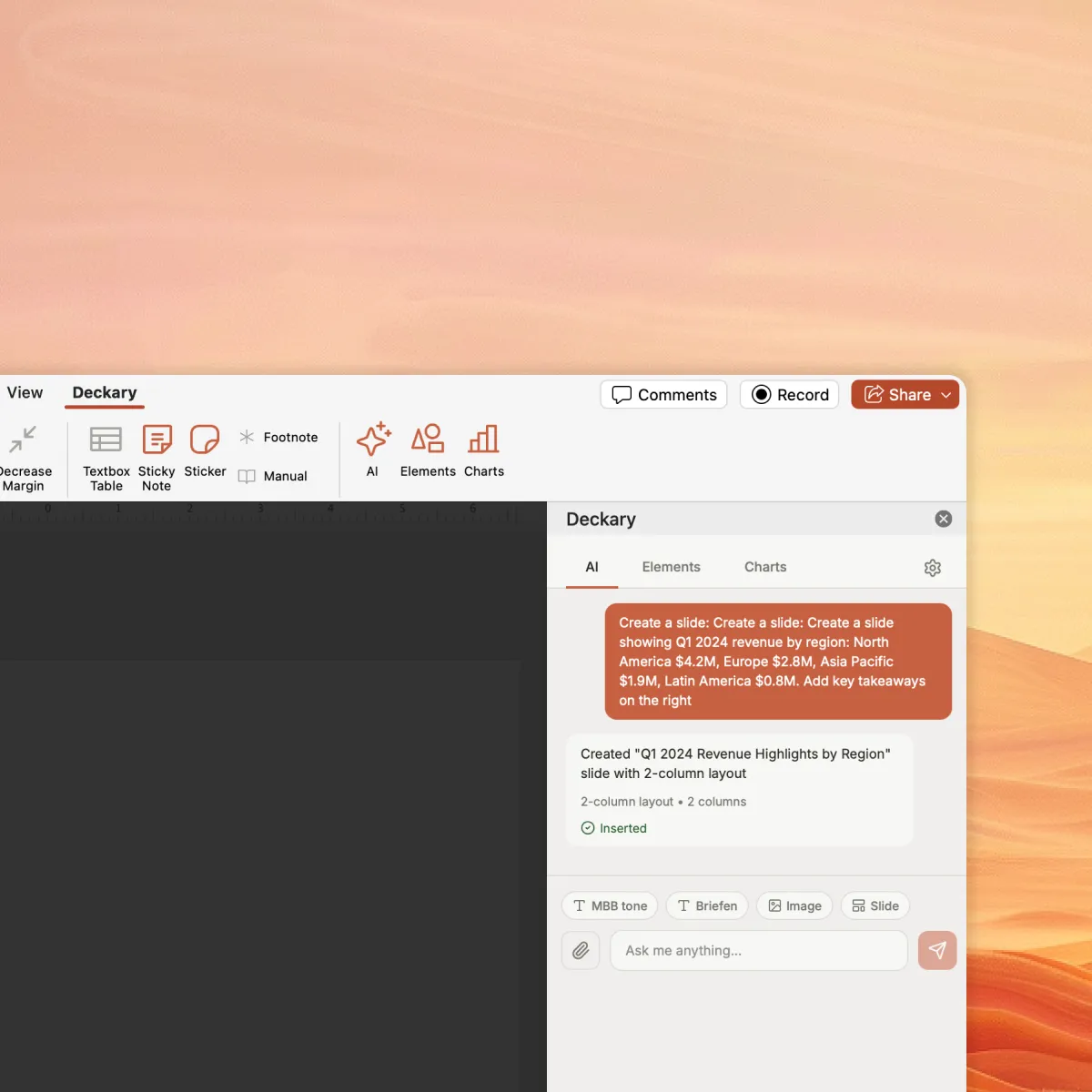
Deckary for PowerPoint
Create and edit slides with AI. Describe your topic, attach data, and get polished slides — automatically using your brand fonts, colors, and layout.


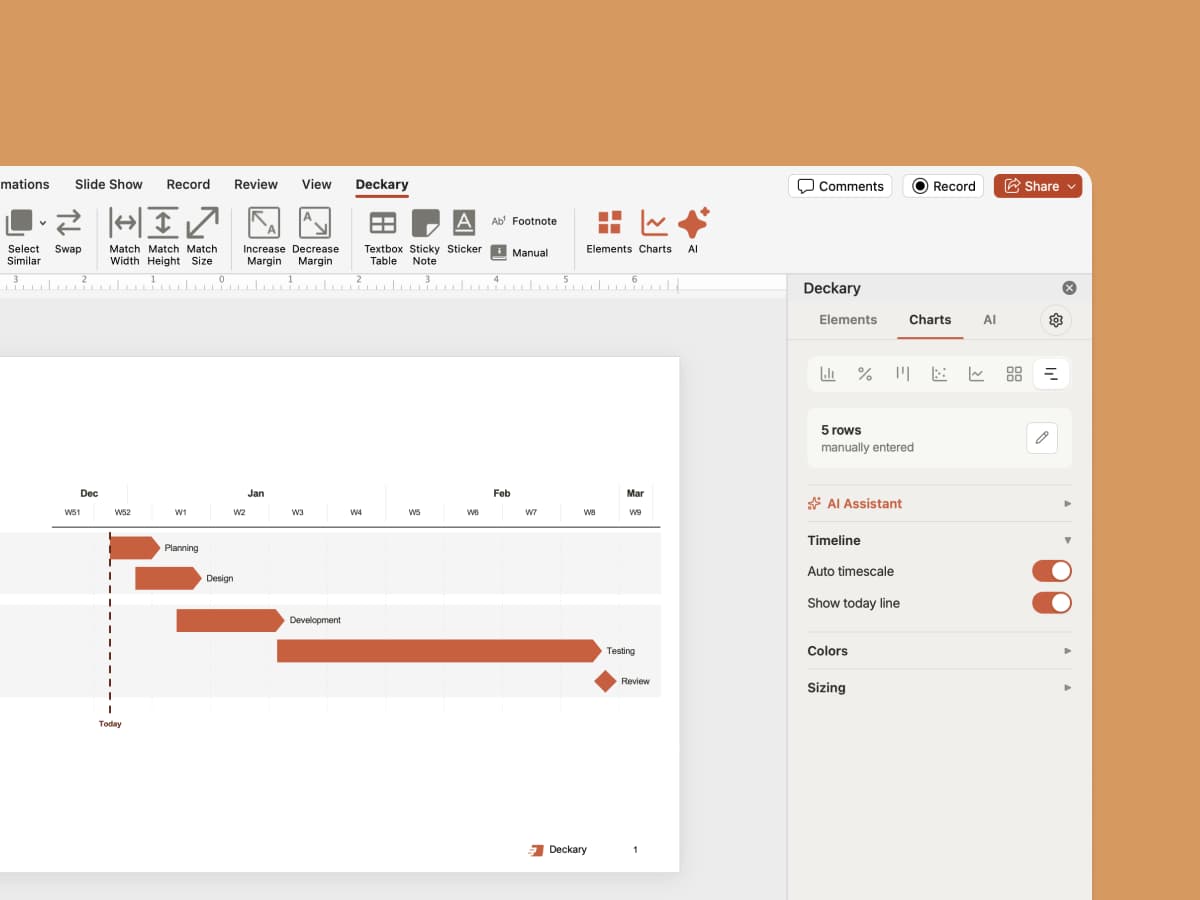
Customize waterfall, scatter, bar charts blazingly fast. Manually or with AI. Link it to Excel for automatic updates.
For Mac and Windows. 14-day free trial. No credit card required.
Deckary helps consulting & industry firms to build better presentations








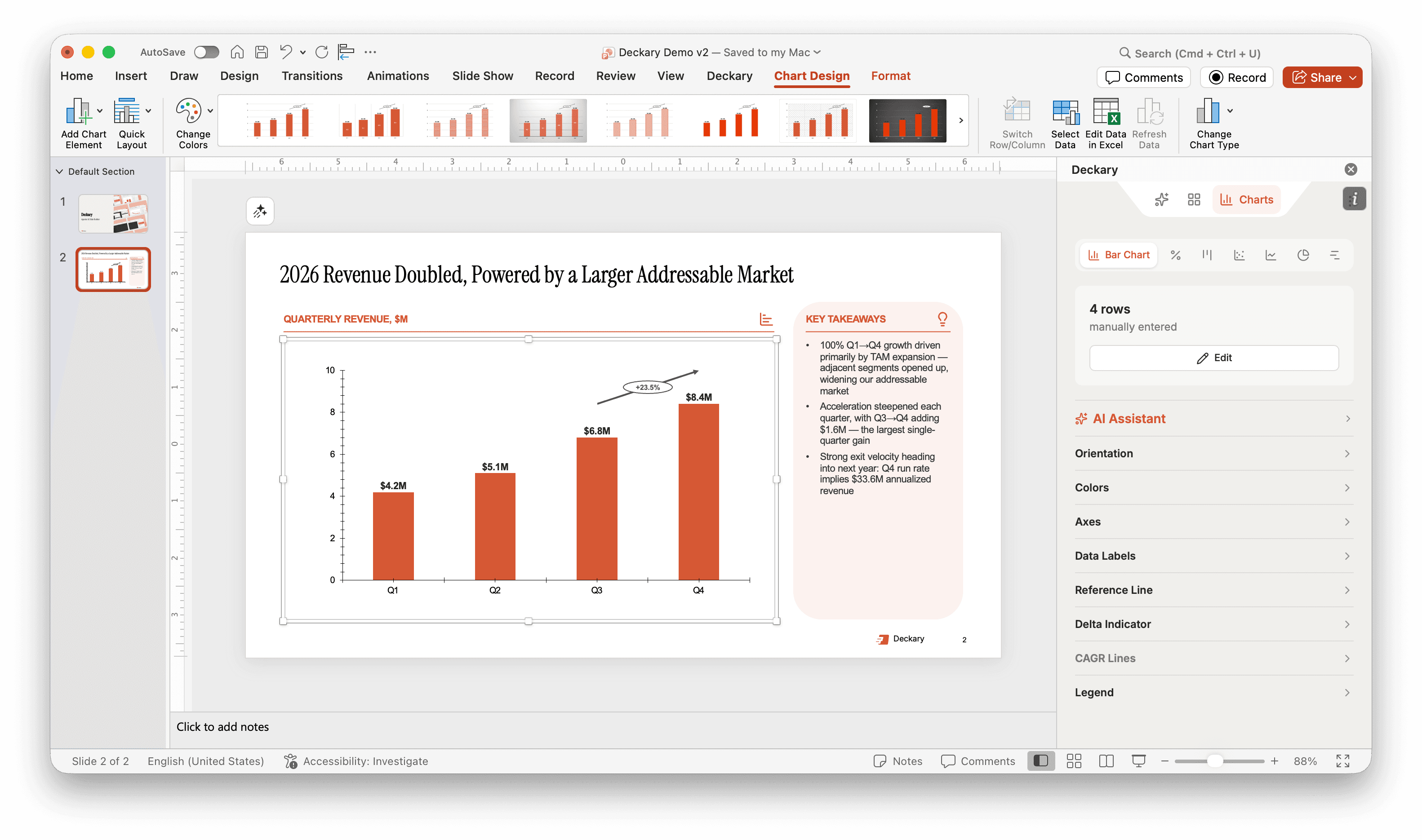
Build editable waterfall, bar, and Mekko charts. Refine the data, formatting, and annotations with AI or by hand.
Revenue, $m
 Deckary
Waterfall
Professional charts built for consulting-quality presentations
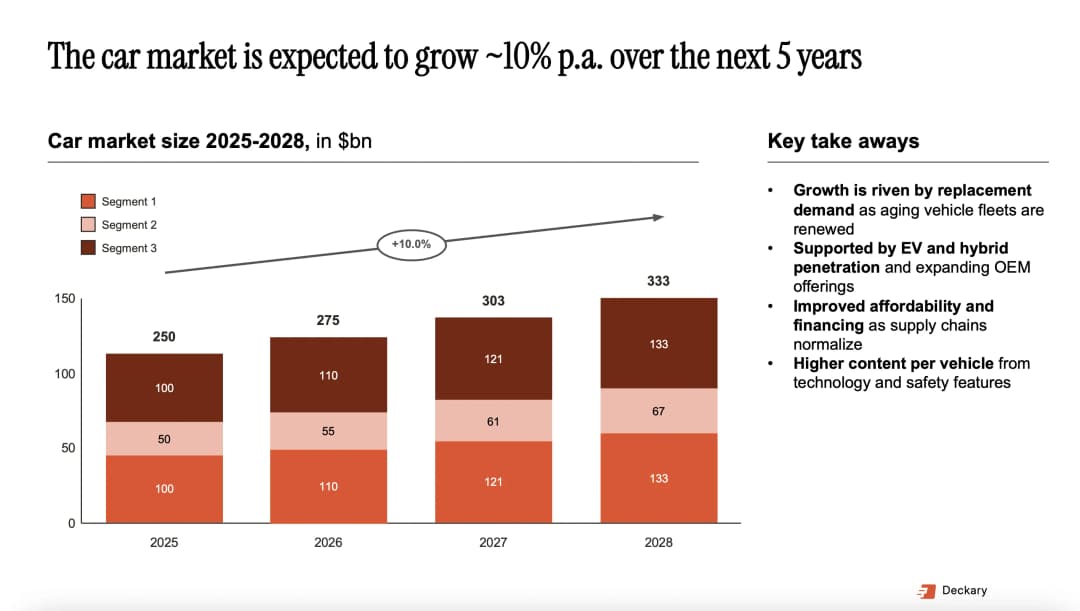
The consulting workhorse with professional annotations
See how Deckary stacks up against other charting solutions and native PowerPoint
| Feature | Deckary | Other charting solutions | Native |
|---|---|---|---|
| Charts | |||
| Core charts (waterfall, scatter, Gantt, etc.) | Yes | Yes | Yes |
| Editable without the add-in | Yes | No | Yes |
| Excel linking | Yes | Yes | No |
| Delta indicators | Yes | Yes | No |
| Unit adjustments | Yes | Yes | No |
| AI adjustment | Yes | No | No |
| Productivity | |||
| Agentic slide building | Yes | No | No |
| Brand control | Yes | No | No |
| Templates | Yes | Yes | No |
| Shortcuts | Yes | No | Partly |
| Visuals (icons, flags, indicators) | Yes | No | Partly |
Chart elements to clearly deliver your key messages
Display compound annual growth rates with automatic calculation and clean visuals.
Show changes and variances with professional delta triangles and annotations.
Add benchmarks, targets, and averages to provide context for your data.
Switch between absolute values and percentages with a single click.
Skip the menus and toggles. Just describe what you want in plain language and let AI customize your chart instantly.
Ready to try it yourself?
Start for FreeEvery chart Deckary builds is a standard PowerPoint chart. Share the deck, and anyone can open and edit it in stock PowerPoint — no add-in required.
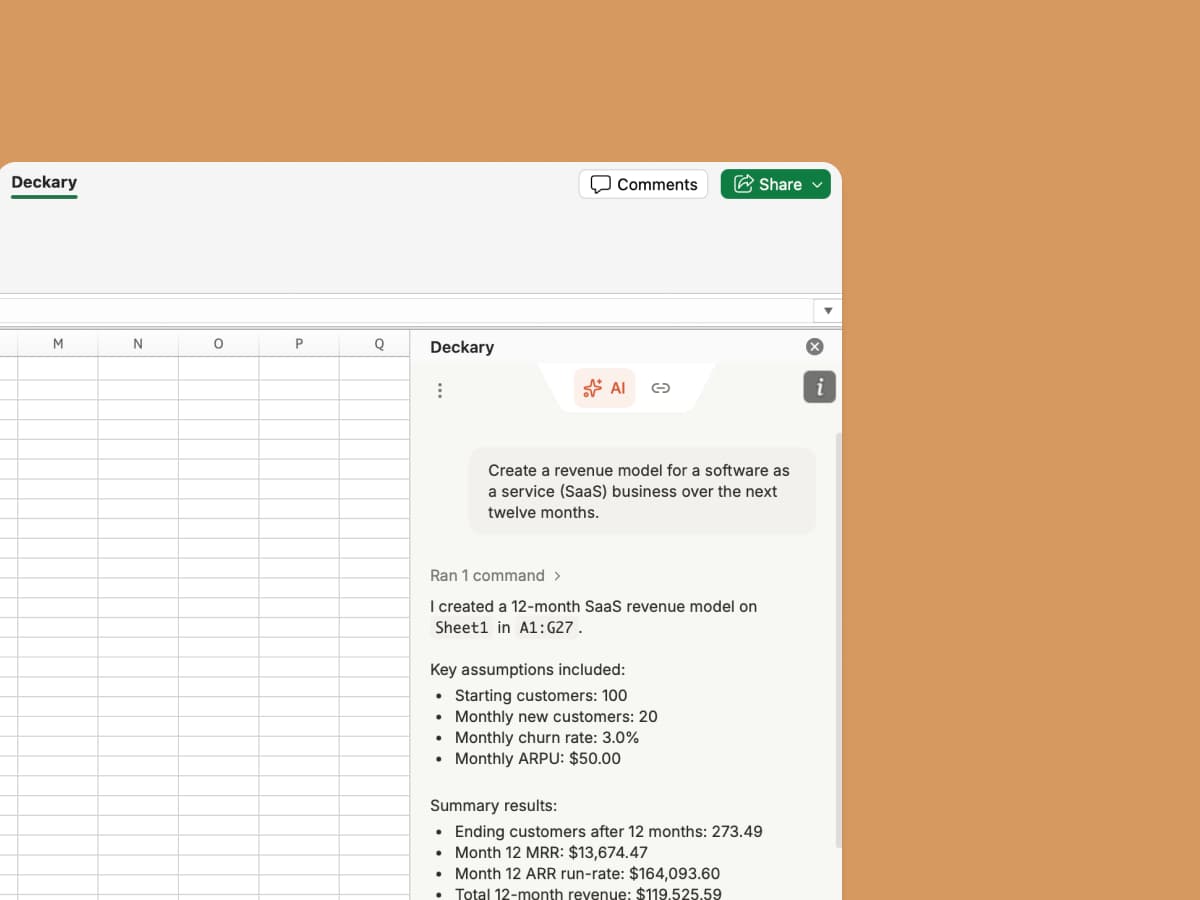
Consultants, finance teams, and operators use Deckary to finish PowerPoint and Excel work faster.
Deckary feels like AI built for PowerPoint, not another presentation app I have to export from.

James
Senior Consultant
I can go from Excel analysis to a client-ready chart slide without rebuilding everything by hand.

Edwin
FP&A Manager
Deckary gives me the AI speed I want, with the native PowerPoint output my clients expect.

Carla
Management Consultant
Deckary replaced three separate tools for me: AI slides, charts, and PowerPoint productivity.

Alvin
Corporate Strategy Lead
For recurring board updates, I can clean the model, create the chart, and polish the slide in one workflow.

Ruben
Finance Director
It is the first slide AI tool that also helps with the last mile of deck production.

Jen
Independent Consultant
AI slide editing, icons, and brand consistency live alongside your charts.

Stop wrestling with native PowerPoint charts. Get professional results in seconds with Deckary.
Everything you need to know about PowerPoint charts
Complete guide
Related articles
Related features
Compare alternatives