Creating Gantt charts has never been easier
Build professional project timelines with milestones, dependencies, and swimlanes. Native PowerPoint shapes you can edit anytime.
No credit card required
Our users work at companies like
Deckary helps consulting & industry firms to build better presentations


Everything you need for project timelines
From simple schedules to complex project plans with dependencies
Gantt Charts
Classic Gantt chart view with task bars, date ranges, and progress tracking for project management.
Milestones
Mark key project milestones with diamond markers that stand out and communicate deadlines clearly.
Dependencies
Show task relationships with connector lines. Visualize which tasks block others.
Swimlanes
Group tasks by team, phase, or workstream. Keep complex projects organized and readable.
Powerful timeline features
Everything consultants and project managers need
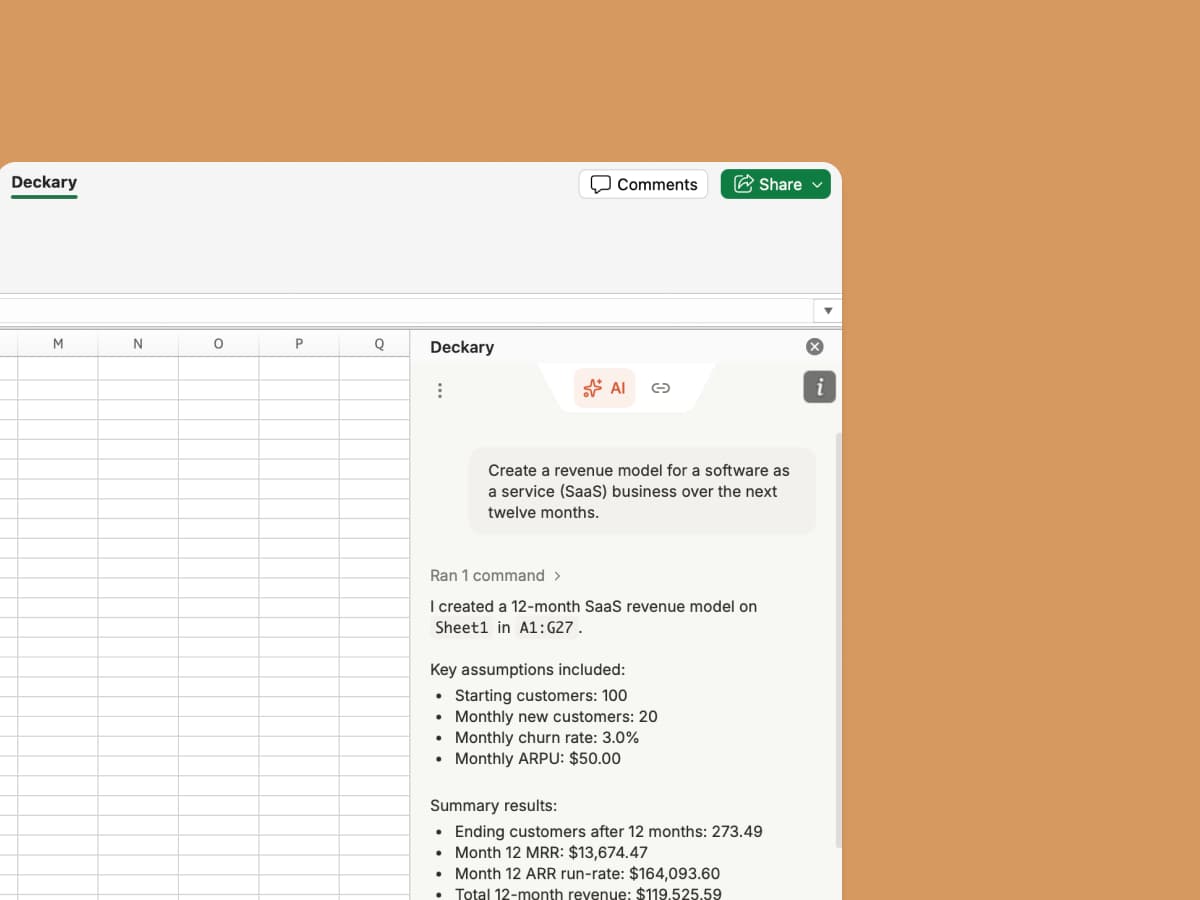
Import from Excel or MS Project
Paste data from Excel or export from MS Project. Deckary converts it into a presentation-ready timeline.
Custom Styling
Auto-adjusts to your PowerPoint theme. Customize bar colors, milestone shapes, and connector styles.
Flexible Time Scales
Switch between days, weeks, months, or quarters. The timeline adapts to your project scope.
Today Marker
Always know where you stand with an automatic today line that updates in real-time.
Ready to try it? Get started in under 2 minutes.
More than just timelines
Deckary includes a full suite of consulting-grade charts. Build your entire presentation with one tool.
Bar Charts
Horizontal and vertical bar charts with data labels and custom colors.
Waterfall Charts
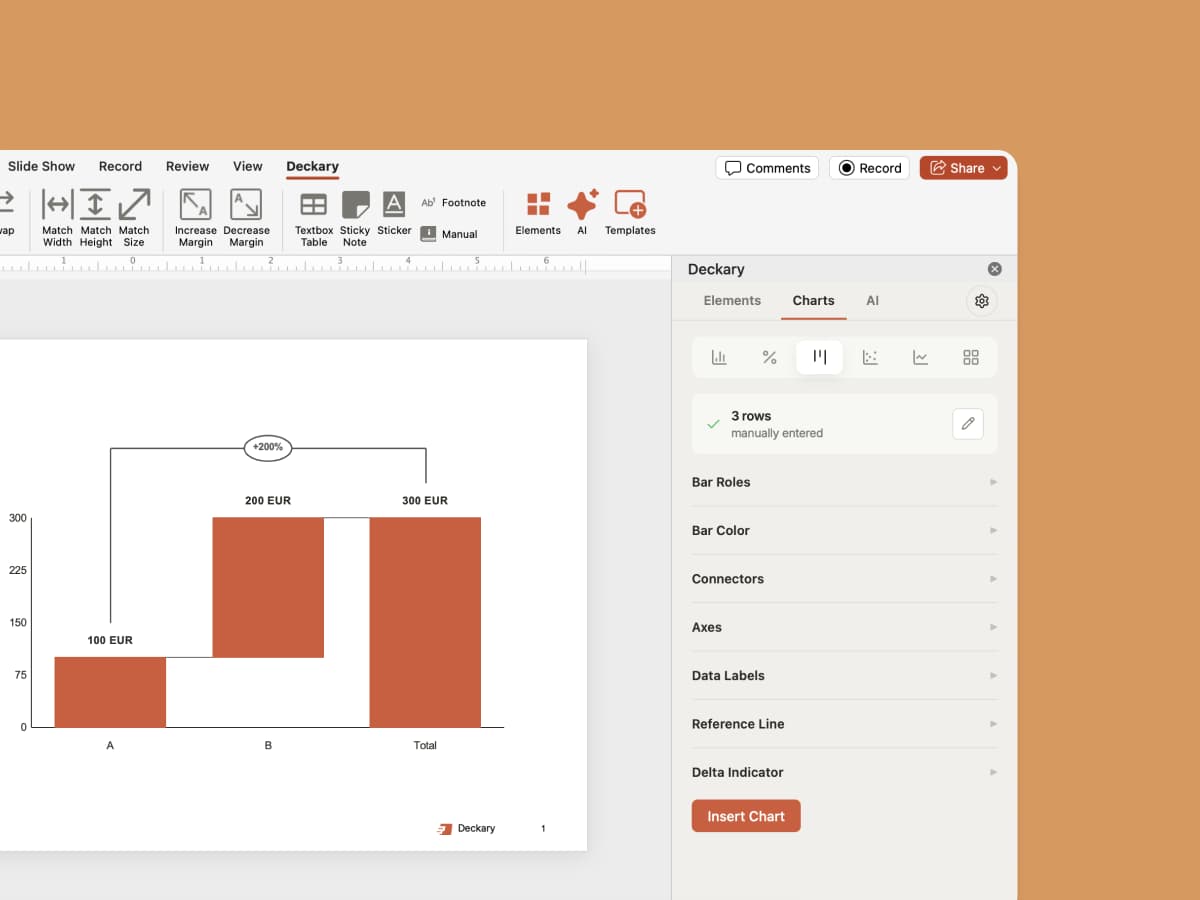
Visualize sequential changes with automatic positive/negative coloring.
Scatter Charts
Plot data points to reveal correlations and patterns.
Mekko Charts
Market landscape analysis with variable-width columns.
Perfect for any project
From product launches to consulting engagements
Product Launches
Map out design, development, testing, and go-to-market phases with clear milestones and handoffs.
Consulting Projects
Show clients the engagement timeline with workstreams, deliverables, and key decision points.
Strategic Initiatives
Present multi-quarter transformation programs with phased rollouts and dependencies.
Marketing Campaigns
Coordinate creative development, media buys, and launch activities across teams.
M&A Integration
Track workstreams across Day 1, 100-day plan, and long-term integration milestones.
Budget Planning
Visualize fiscal year timelines with quarterly reviews, approvals, and reporting cycles.
Everything works together inside PowerPoint
AI slide editing, charts, icons, and brand consistency live alongside your timelines.

AI Slide Builder
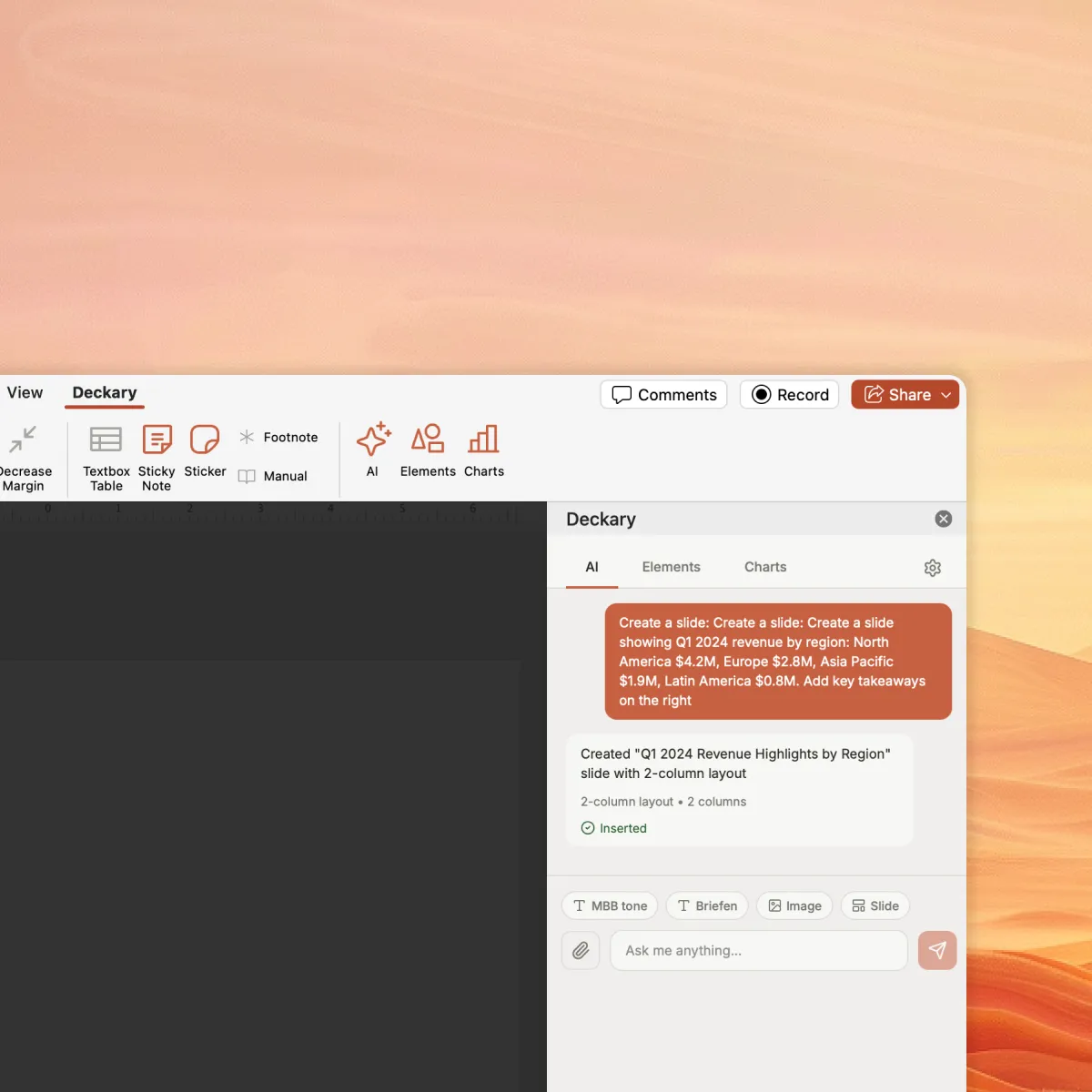
Create and edit slides with AI. Describe your topic, attach data, and get polished slides — automatically using your brand fonts, colors, and layout.

Brand Control
Every slide AI creates follows your brand guidelines. Run consistency checks across your deck and save approved slides to a shared library.

Charts & Timelines
AI generates waterfall, Mekko, Gantt, and bar charts — linked to Excel and styled to your brand.

Icons & Images
2,000+ icons auto-suggested by AI based on your slide content. Country flags and AI-generated images included.

Shortcuts
Align, distribute, swap, and resize — keyboard shortcuts used by top consulting firms.
Ready to build better timelines?
Stop struggling with manual shapes or static images. Create professional Gantt charts and project timelines in minutes.

Frequently Asked Questions
Everything you need to know about PowerPoint timelines and Gantt charts
Complete guide
Related articles
Related features
Compare alternatives