PowerPoint Keyboard Shortcuts
Intuitive keyboard shortcuts that actually work. Distribute, align, swap and much more.
No credit card required
Used by alumni of top tier firms
Trusted by professionals who know what great presentations look like


How it works
Get started in under a minute
Open Add-ins in PowerPoint
Go to Home → Add-ins → More Add-ins
Search for Deckary
Type "Deckary" and click Add
Use Shortcuts
Press intuitive key combinations to align, distribute, and more
Open Add-ins in PowerPoint
Go to Home → Add-ins → More Add-ins
Search for Deckary
Type "Deckary" and click Add
Use Shortcuts
Press intuitive key combinations to align, distribute, and more
All shortcuts at a glance
Intuitive key combinations that work on both Windows and Mac
Alignment
Align left
align-left
Align right
align-right
Align top
align-top
Align bottom
align-bottom
Align center
align-center
Align middle
align-middle
Distribution
Distribute horizontally
distribute-horizontal
Distribute vertically
distribute-vertical
Swap positions
swap
Selection
Select similar size
select-similar-size
Select similar type
select-similar-type
Select similar color
select-similar-color
Matching
Match width
match-width
Match height
match-height
Match size
match-size
Margins
Increase margin
increase-margin
Decrease margin
decrease-margin
Insert
Insert textbox table
insert-textbox-table
Insert sticky note
insert-sticky-note
Insert footnote
insert-footnote
Insert sticker
insert-sticker
Why Deckary vs. Native PowerPoint?
PowerPoint has no native keyboard shortcuts for object alignment and distribution. The only workaround is manually adding commands to the Quick Access Toolbar.
Native PowerPoint
- No keyboard shortcuts for aligning objects
- No shortcuts for distributing objects
- No shortcuts for selecting similar objects
- No shortcuts for matching size/width/height
- Requires manual Quick Access Toolbar setup
- Clunky Alt + number combinations
Deckary
- One-key shortcuts for all alignment options
- Instant horizontal & vertical distribution
- Select similar objects by size, type, or color
- Match size across objects instantly
- Works out of the box - no setup needed
- Intuitive, easy-to-remember combinations
Save hours every week with proper PowerPoint shortcuts
Get Free Shortcuts NowYou get the all-in-one toolkit
Icons, templates, and AI text polish live alongside the shortcuts.

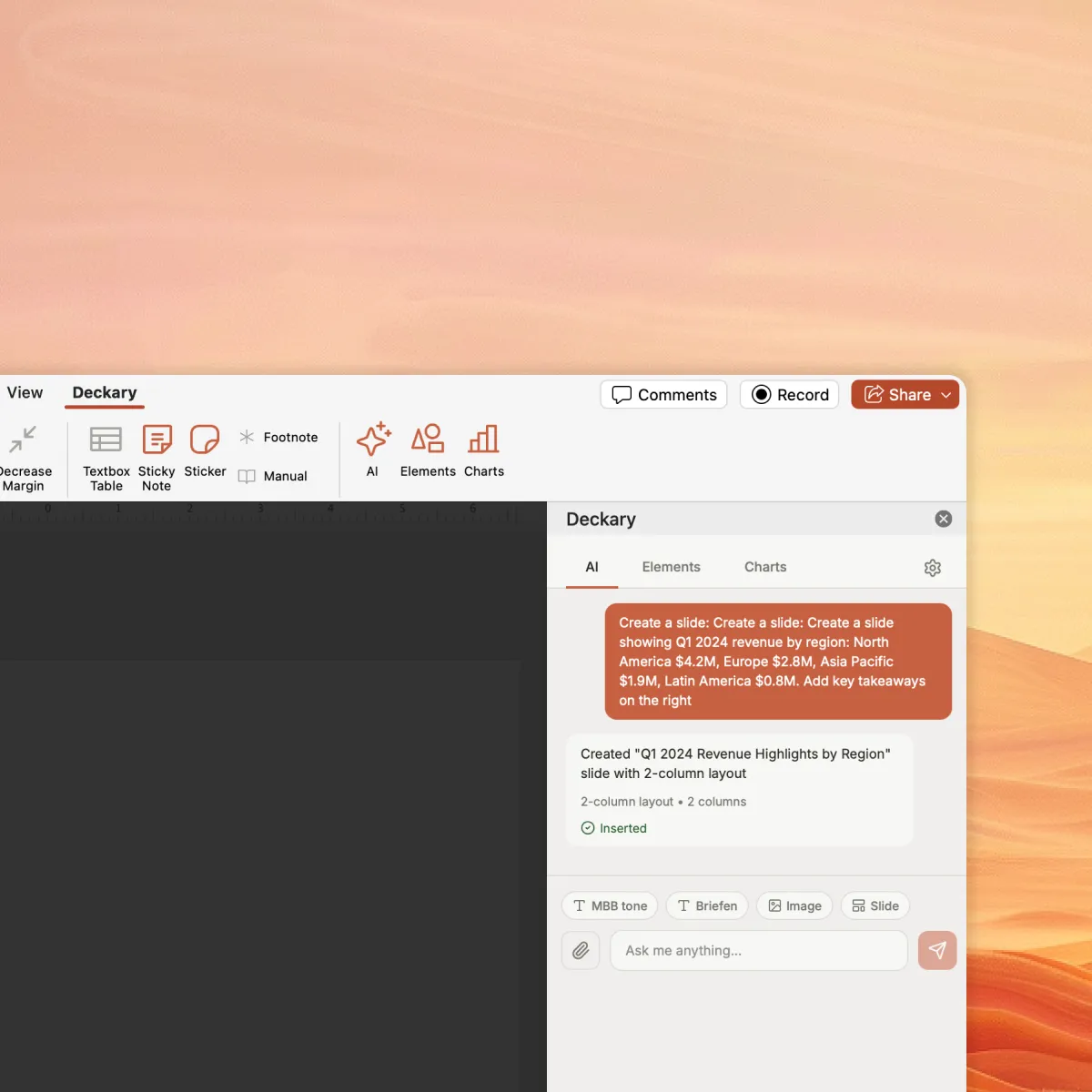
AI Slide Builder
Describe your problem and attach data, optionally answer questions, and get polished slides with charts and visuals.

Consulting Charts
Waterfall, Mekko, Gantt, and more. Excel-linked charts at 1/3 the cost of Think-Cell.

Icons, Flags & Images
Auto-suggested icons, country flags, or generate custom images powered by Nano Banana.

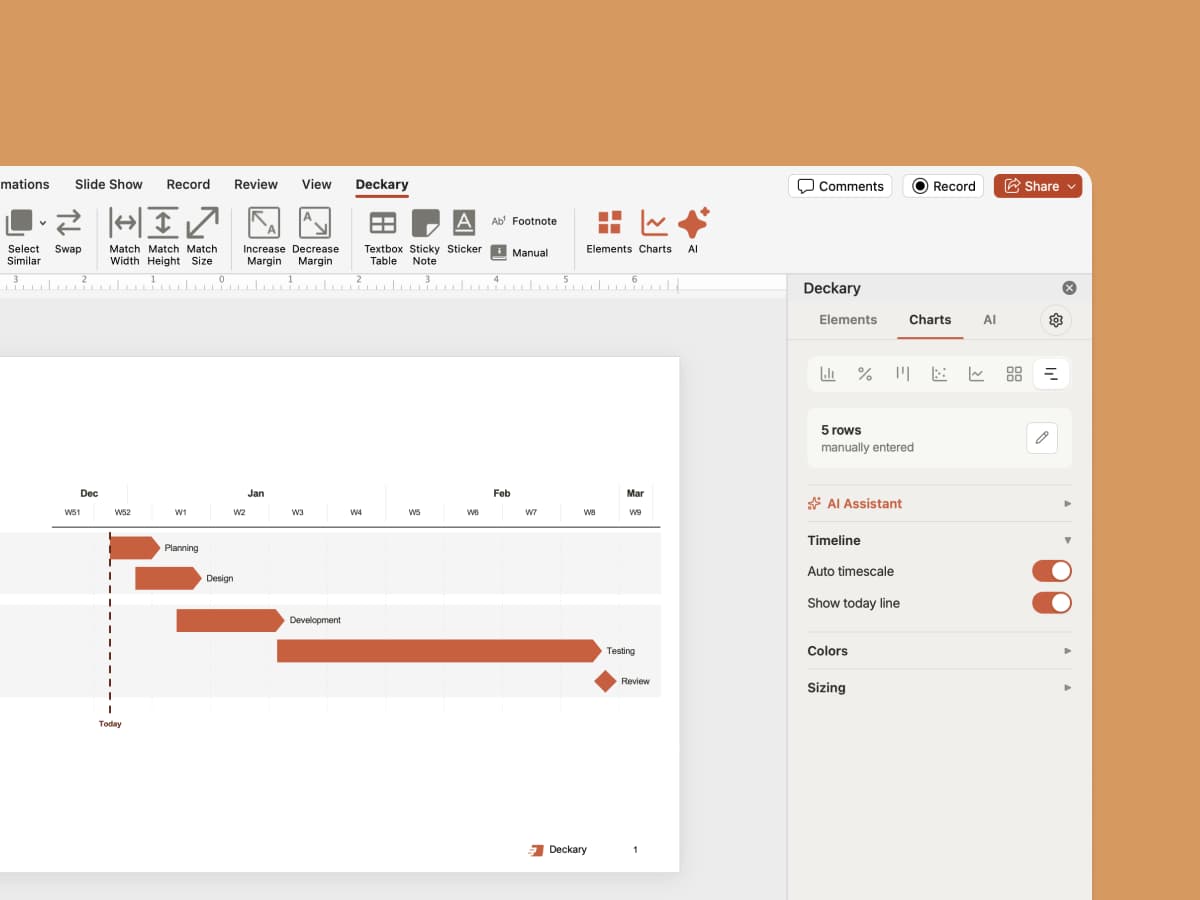
Timelines
Gantt charts, project timelines, and roadmaps. Visualize any schedule in seconds.
Ready to speed up your workflow?
Download Deckary and start using these powerful shortcuts to create better presentations faster.

Frequently Asked Questions
Everything you need to know about PowerPoint keyboard shortcuts