Waterfall chart
A waterfall chart shows how an initial value is affected by a series of positive and negative changes. Also called a bridge chart, cascade chart, or McKinsey chart.
What is a waterfall chart?
A waterfall chart is a form of data visualization that shows how an initial value is affected by a series of intermediate positive or negative values, leading to a final cumulative value. The bars appear to "float" between the starting and ending points, creating a bridge-like visual that makes it easy to understand which factors drive the change.
The format was popularized by McKinsey & Company in the 1990s because it solves a specific communication problem: explaining complex financial breakdowns to executives who need to understand profit drivers without reading through spreadsheets. Three decades later, waterfall charts appear in virtually every consulting engagement involving financial analysis.
Also known as
- Bridge chartBridges the gap between start and end values
- Cascade chartValues cascade from one to the next
- Flying bricks chartFloating bars resemble suspended bricks
- McKinsey chartPopularized by McKinsey & Company
When to use waterfall charts
Waterfall charts excel in three key scenarios
Explaining change over time
- Year-over-year revenue variance
- Quarter-over-quarter profit changes
- Budget vs. actual performance
Breaking down components
- Revenue to net income walks
- Cost structure breakdowns
- Margin analysis (Gross → Net)
Gap analysis
- Sales pipeline vs. quota
- Headcount actual vs. plan
- Market share current vs. target
When not to use waterfall charts
- Showing category compositionUse pie chart or 100% stacked bar instead
- Comparing multiple entitiesUse grouped bar chart instead
- Displaying trends over many periodsUse line chart instead
- Changes happen simultaneouslyUse bar chart with annotations instead
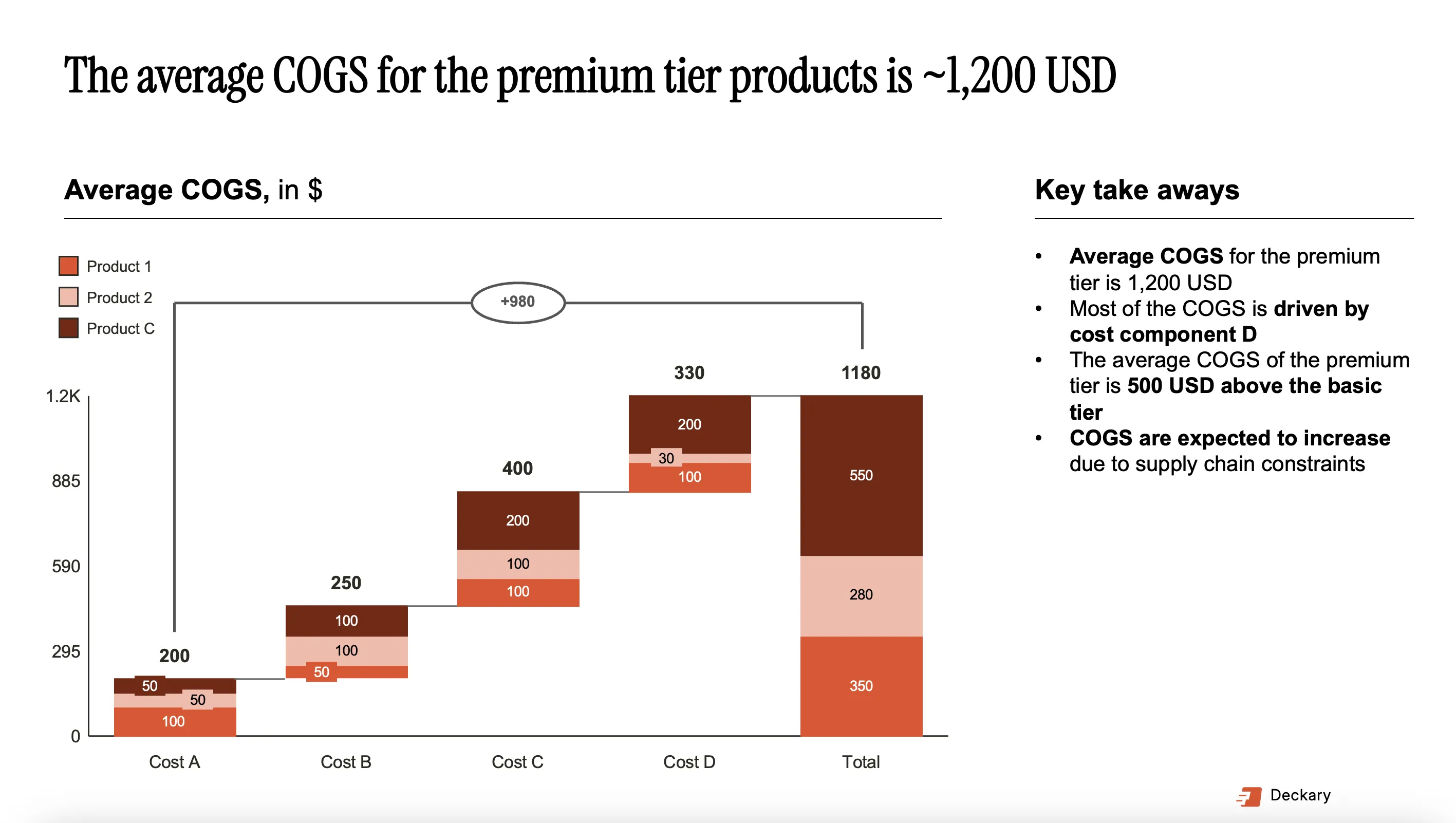
Waterfall chart example
A revenue bridge showing year-over-year change drivers
How to create a waterfall chart
There are several ways to create waterfall charts, each with different trade-offs between ease of use, customization, and professional quality:
In Excel
In PowerPoint
With Deckary
In Power BI / Tableau
Create professional waterfall charts
Stop wrestling with Excel formulas and manual shapes. Deckary creates consulting-grade waterfall charts in seconds with automatic formatting and Excel linking.
Waterfall chart FAQ
Common questions about waterfall charts
Complete guide
Related features