Professional presentations. Three ways to work.
Create and refine editable slides inside PowerPoint, in your browser, or with your preferred AI agent. Bring your sources, shape the story, and keep control of the finished deck.
Build presentations where you work.
Three ways to create and refine your slides. Choose the one that fits your workflow.
The deck you know. A faster way to work.
Bring AI directly into PowerPoint. Build new slides or improve the ones you already have, using your presentation’s fonts, colors, and layouts.
- Create slides from a prompt or your sources
- Rewrite, restructure, and reformat existing slides
- Keep working with native PowerPoint elements
From a blank page to your next presentation.
Start with a brief and your source files. Shape the story with Deckary AI, then refine every chart, title, and layout on the canvas.
- Build from documents, data, and research
- Refine with AI or edit by hand
- Export to editable PowerPoint
Your agent. Your context. Your open PowerPoint.
Stay in Claude Code, Codex, or Cursor. Deckary MCP connects your agent to your presentation, so it can put your existing research and project context to work.
- Edit the PowerPoint you already have open
- Work with the deck’s theme and layouts
- Connect to saved browser decks, too
From source material to a finished deck
A clear brief, a coherent story, and slides you can keep refining in the way you prefer.
- 1
Understand the brief
Start with a prompt and add the source material that should shape the presentation.
- 2
Build the story
Work with Deckary AI or your connected agent to turn the material into a clear line of argument.
- 3
Design the slides
Use the agent to combine copy, layouts, charts, tables, and business visuals in one editable deck.
- 4
Revise and deliver
Refine individual slides and keep every element editable. Work directly in PowerPoint or export an editable PPTX from the browser.
Control the work after the first draft
Build from source material
Build from your brief and supporting material so the presentation reflects the work you need to communicate.
Research and synthesis
Use the agent to gather context, organize evidence, and turn analysis into a coherent presentation story.
Targeted revision
Continue the conversation after the first draft. Rewrite, restructure, or redesign the part that needs work.
Editable slide structure
Edit the text, shapes, tables, charts, and layouts after Deckary creates the presentation.
Business visuals
Create presentation-ready charts, timelines, tables, and diagrams for strategy, finance, and reporting work.
Brand and design control
Refine typography, color, spacing, and brand consistency without rebuilding the presentation from scratch.
More tools inside Office
Build models in Excel, draft documents in Word, and finish your decks with charts, timelines, icons, and shortcuts.

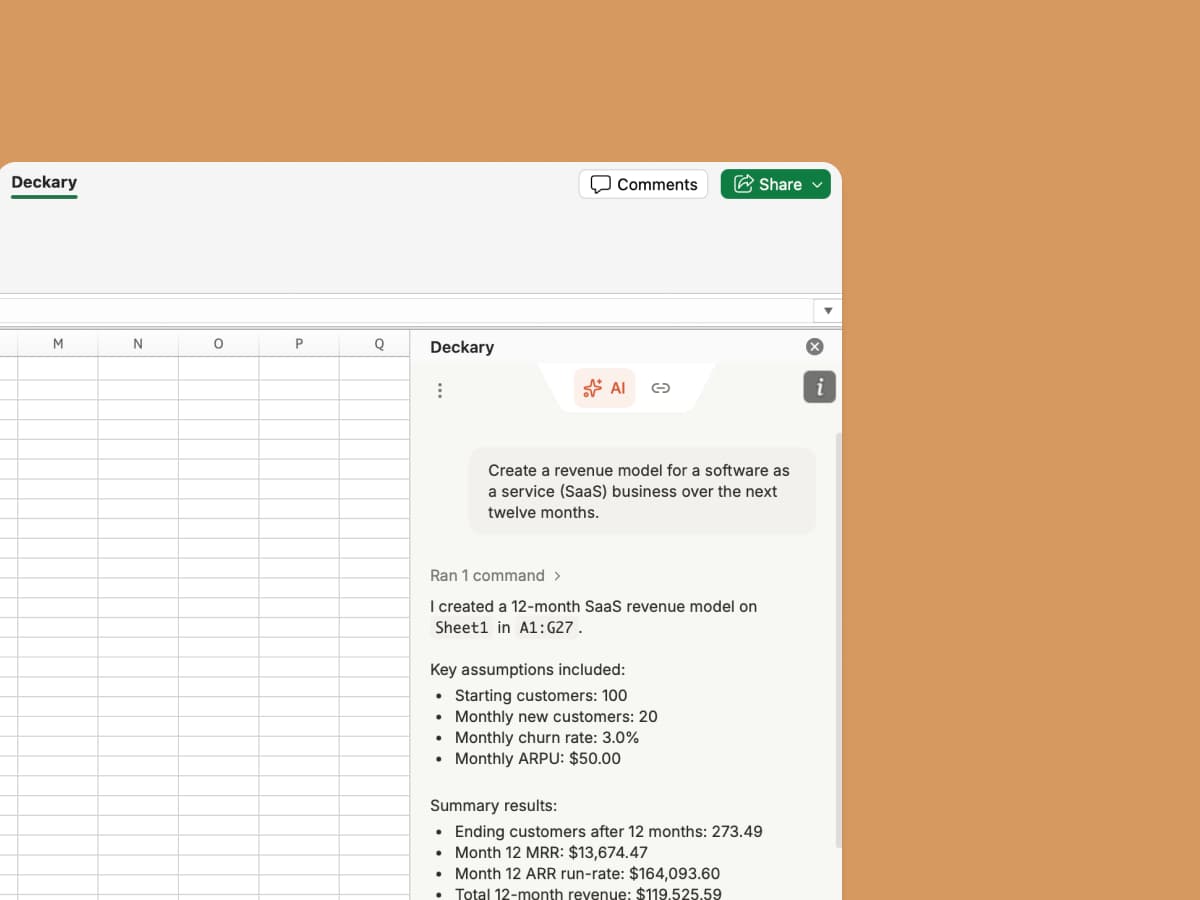
Deckary for Excel & Word
Build and edit financial models with AI directly inside Excel. Generate formulas, analyze ranges, and audit workbook logic.

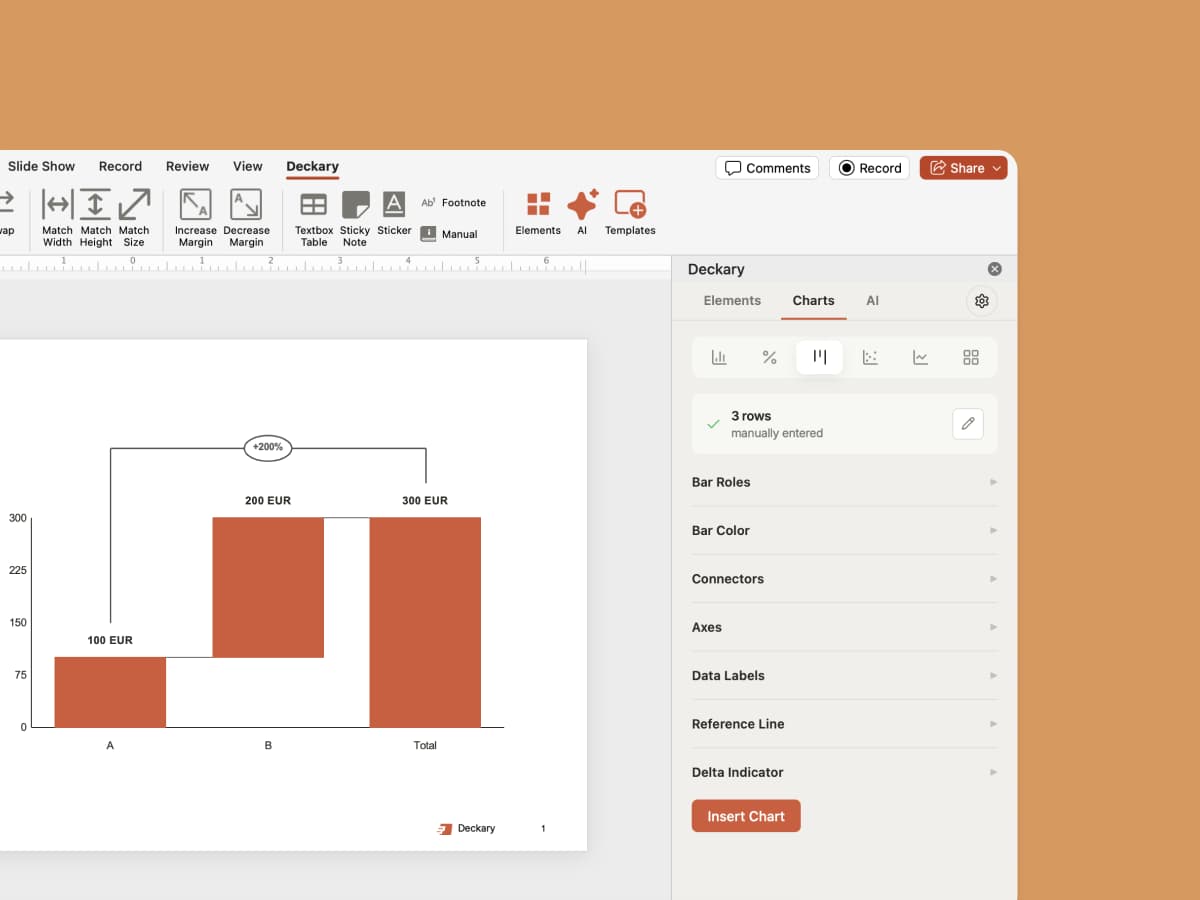
Consulting Charts
Create customizable waterfall, bar, and Mekko charts. Add growth arrows, delta indicators, reference lines, and more.

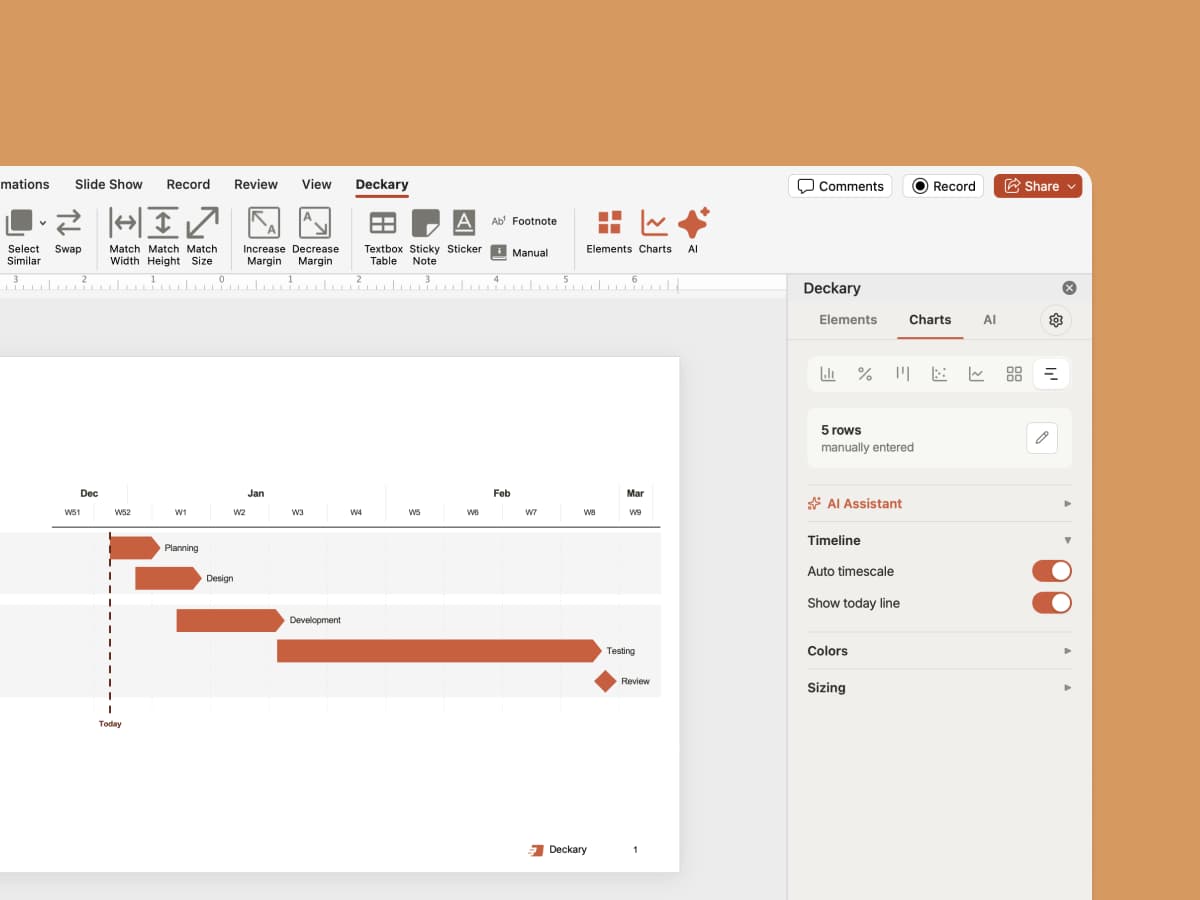
Timelines
Turn project data into editable Gantt charts and timelines. Customize time scales, milestones, colors, and sizing.
Icons & Images
2,000+ icons auto-suggested by AI based on your slide content. Country flags and AI-generated images included.

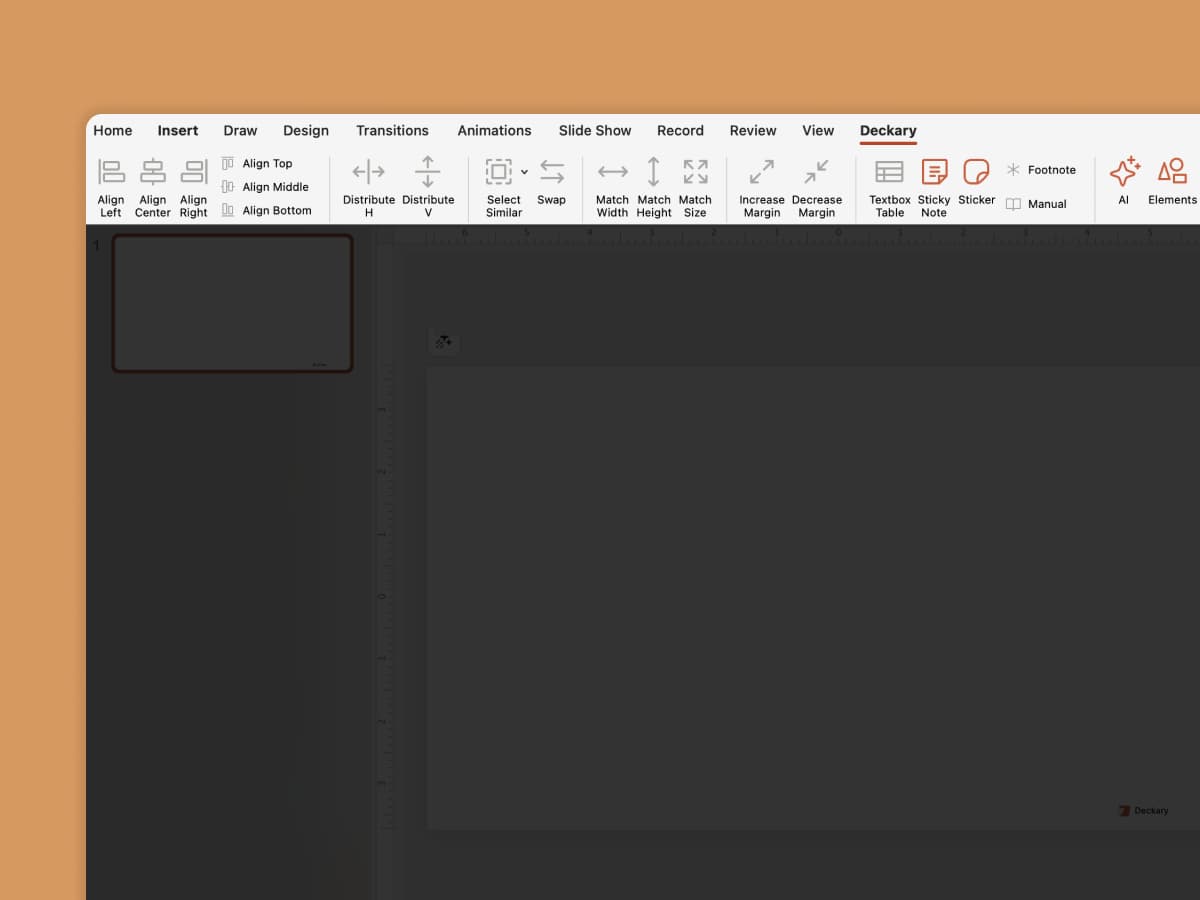
Shortcuts
Align, distribute, swap, and resize — keyboard shortcuts used by top consulting firms.
Make your next presentation with Deckary.
Start in your browser, work directly in PowerPoint, or connect the AI agent you already use. Your slides stay editable.
Complete guide
Related articles
Related features
Compare alternatives