Templates + Your Own Slides. One Library.
Access 140+ consultant-grade templates and save your own slides to reuse across presentations. Insert any slide with one click.
No credit card required
Used by alumni of top tier firms
Trusted by professionals who know what great presentations look like


How it works
Get started in under a minute
Open Add-ins in PowerPoint
Go to Home → Add-ins → More Add-ins
Search for Deckary
Type "Deckary" and click Add
Access Slides
Browse templates or your saved slides and insert them instantly
Open Add-ins in PowerPoint
Go to Home → Add-ins → More Add-ins
Search for Deckary
Type "Deckary" and click Add
Access Slides
Browse templates or your saved slides and insert them instantly
140+ consultant-grade templates
Professional slide templates designed by consultants, for consultants. Every template adapts to your presentation's theme automatically.
140+ Professional Templates
Consultant-grade slides across 8 categories, designed for impact.
Adapts to Your Theme
Every template automatically matches your presentation's colors and fonts.
One-Click Insert
Browse, click, and the slide appears in your deck instantly.
Save your own slides.
Reuse them anywhere.
Build a personal library of your best slides. Save once, insert anywhere. Your slides sync across all your devices.
Save in seconds. Click save, give it a name, and it's in your library.
Cloud synced. Access your slides from any computer where you're logged in.
Theme matching. Inserted slides adapt to your current presentation's look.
Templates for every situation
140+ templates across 8 categories, covering the full consulting toolkit
Market
Market sizing, trends, and competitive landscape slides.
Problem Definition
Issue trees, problem statements, and root cause analysis.
Recommendations
Solution frameworks and strategic recommendations.
Business Case
ROI analysis, financial projections, and investment cases.
Project Management
Timelines, milestones, and project status updates.
Next Steps
Action items, roadmaps, and implementation plans.
Closing
Summary slides, key takeaways, and closing statements.
Essentials
Agenda, dividers, timelines, and foundational layouts.
You get the all-in-one toolkit
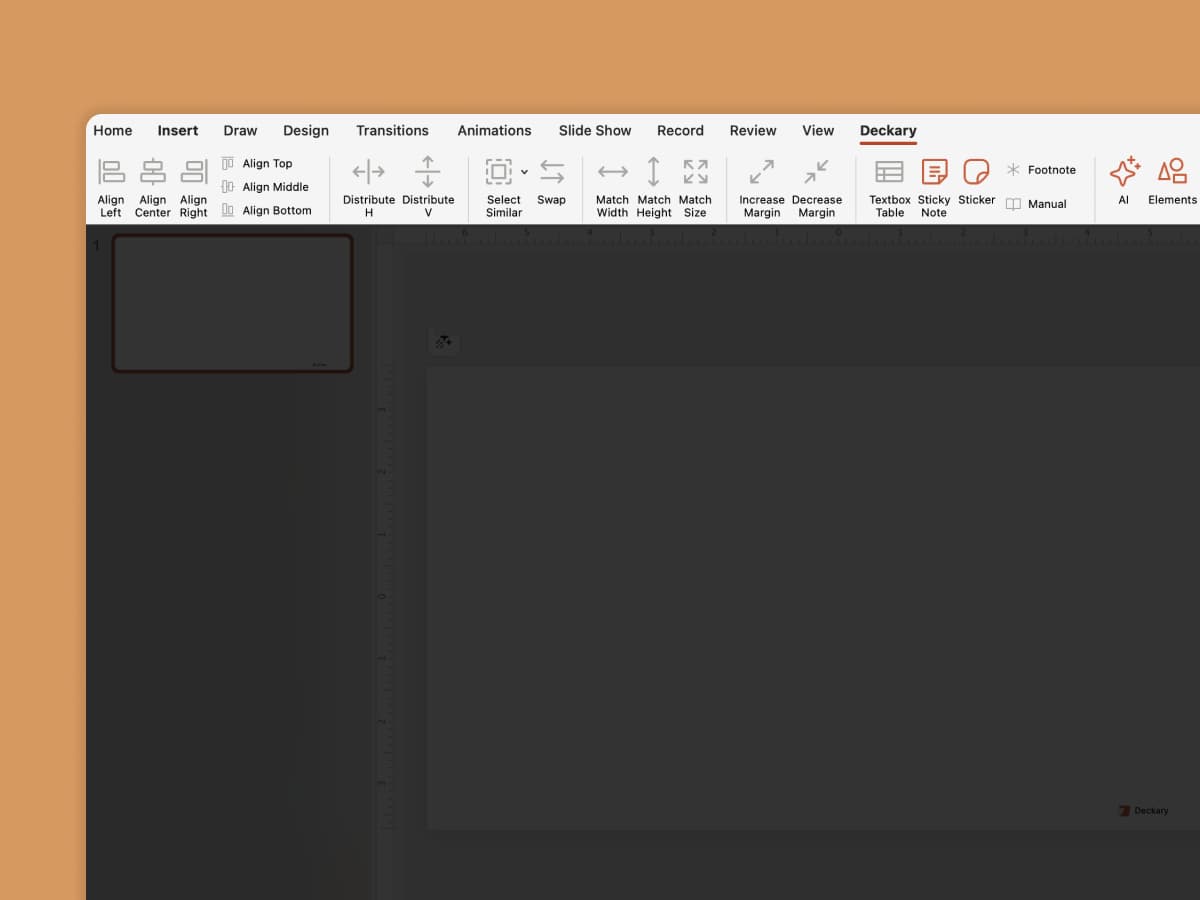
Charts, shortcuts, and icons live alongside your slide library.
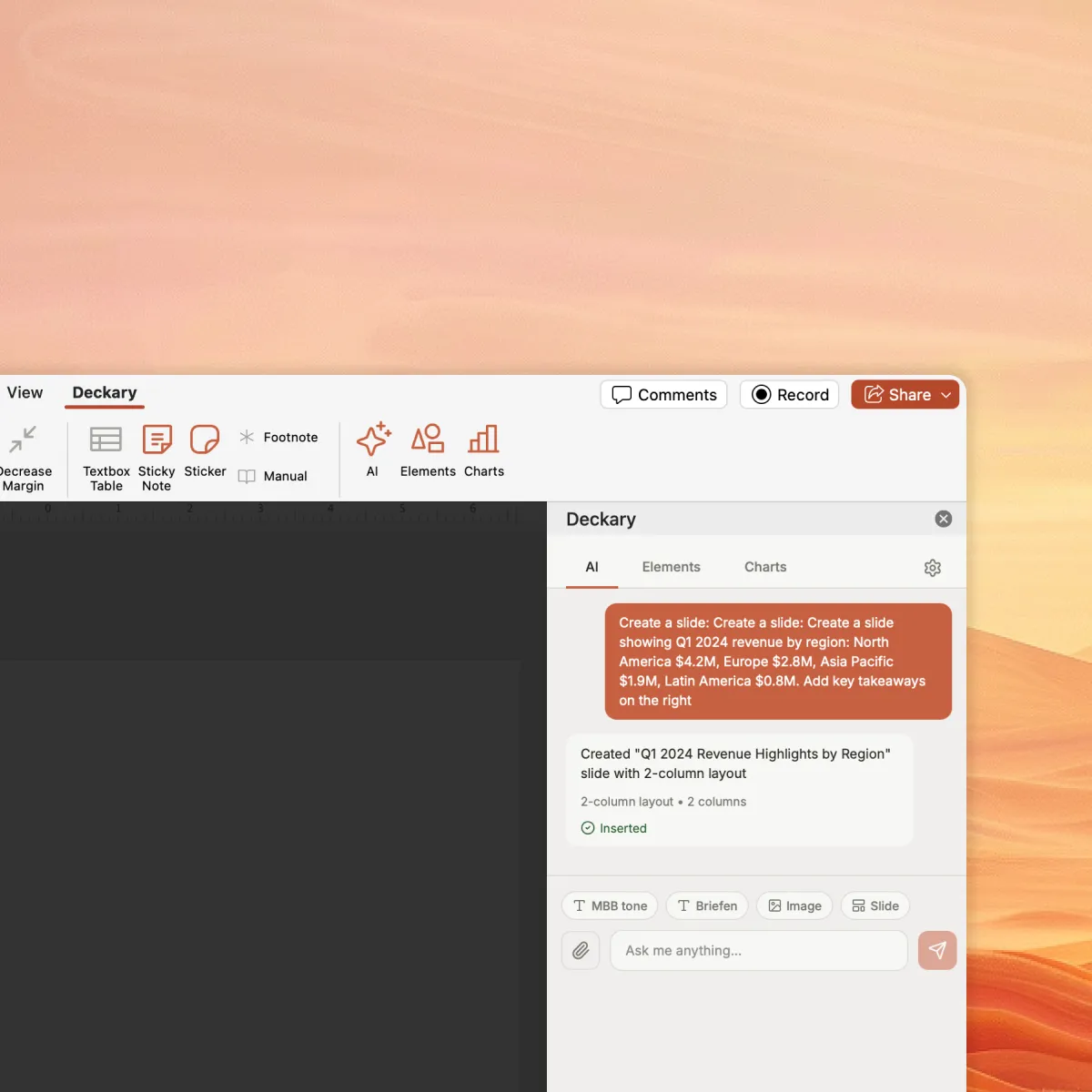
AI Slide Builder
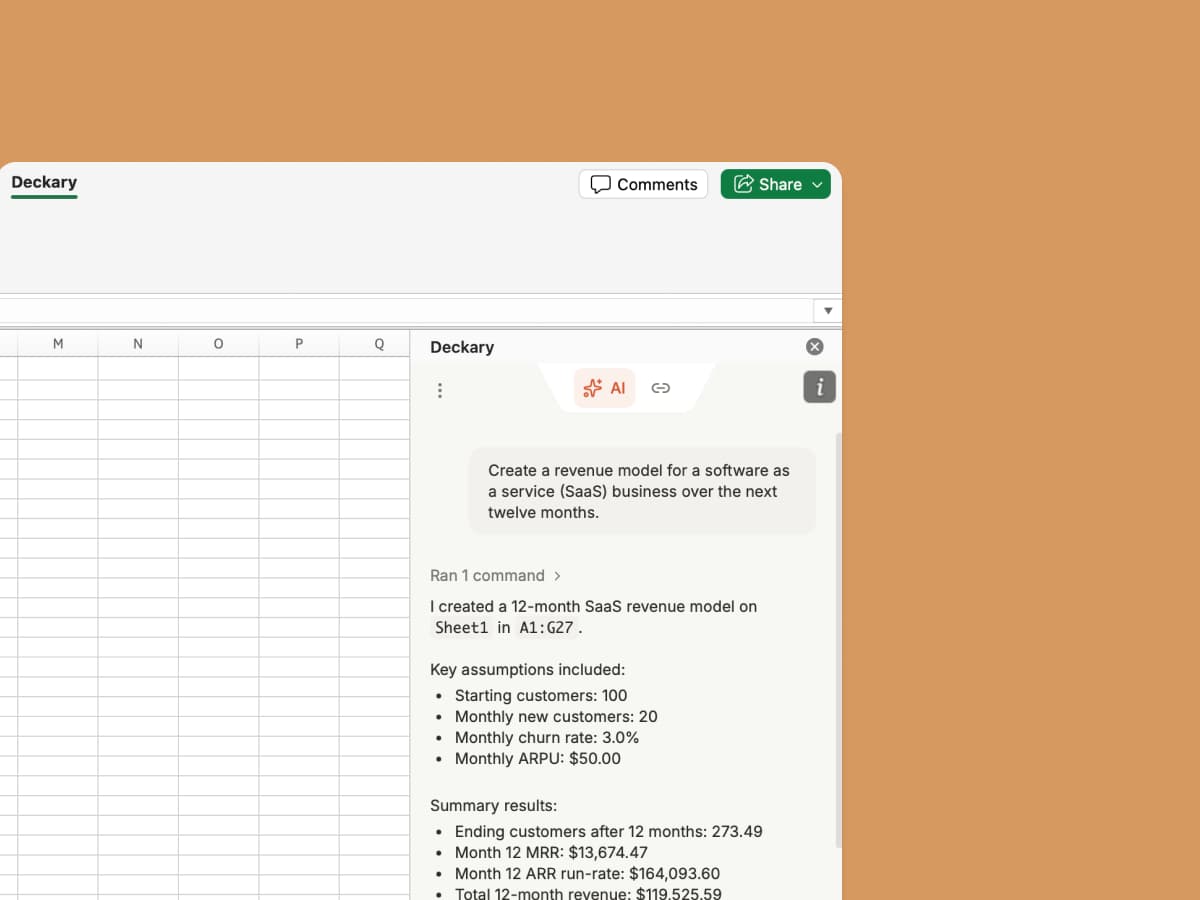
Describe your problem and attach data, optionally answer questions, and get polished slides with charts and visuals.

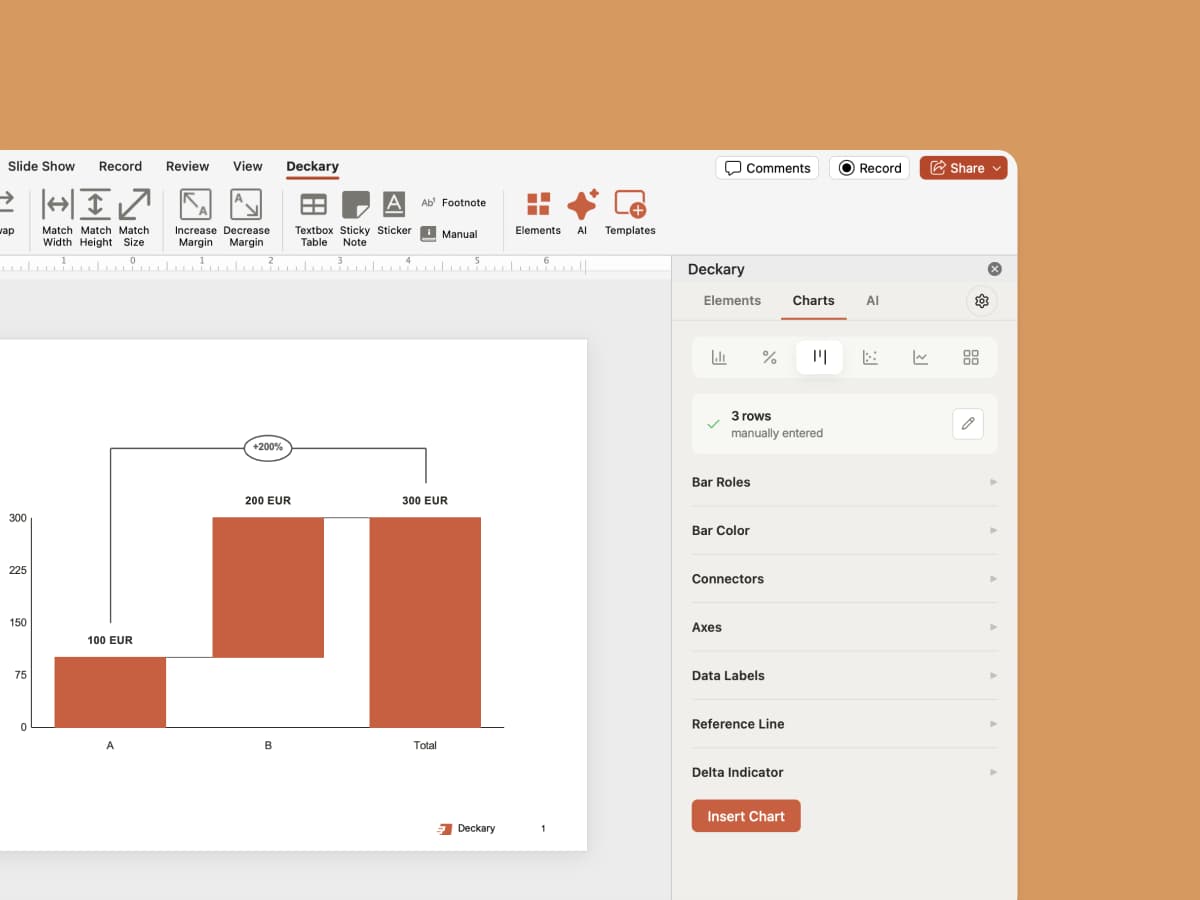
Consulting Charts
Waterfall, Mekko, Gantt, and more. Excel-linked charts at 1/3 the cost of Think-Cell.

Icons, Flags & Images
Auto-suggested icons, country flags, or generate custom images powered by Nano Banana.

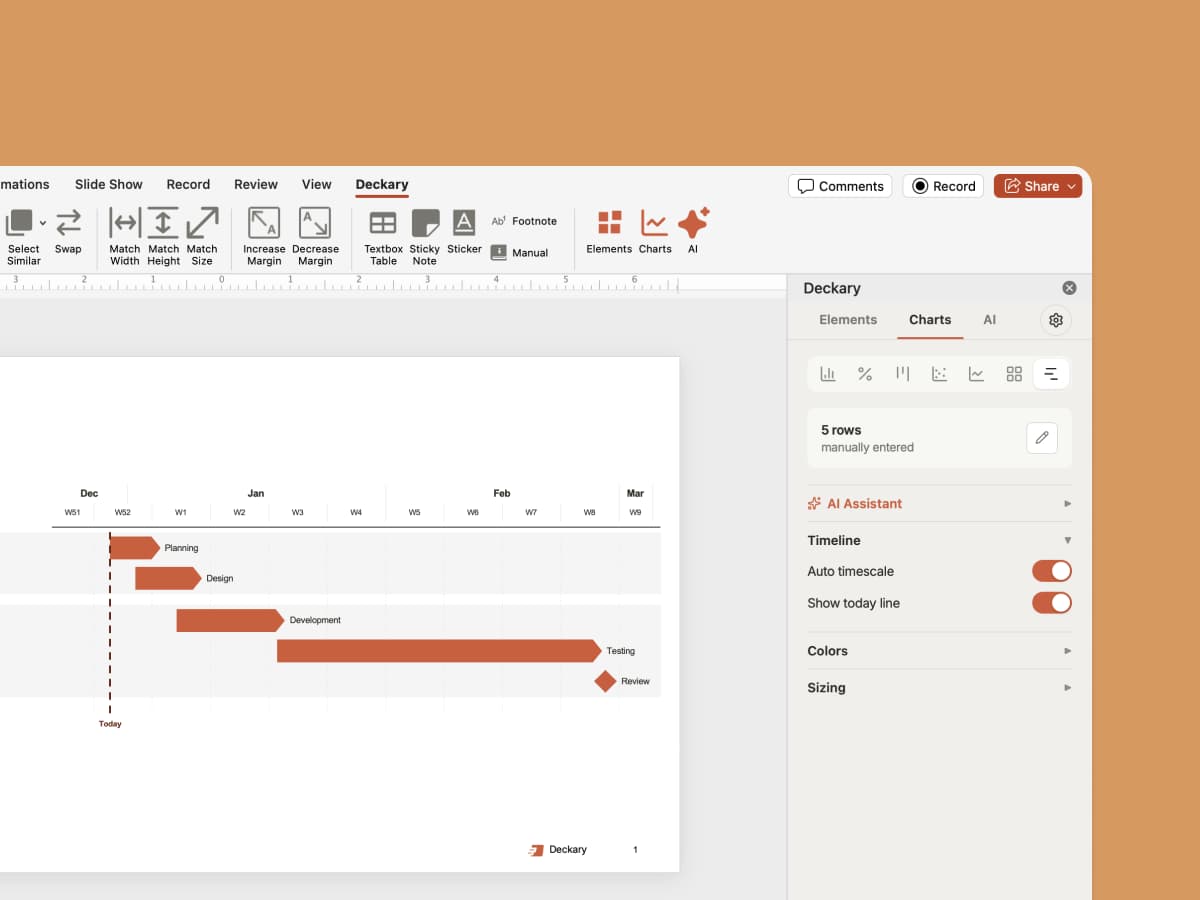
Timelines
Gantt charts, project timelines, and roadmaps. Visualize any schedule in seconds.

Keyboard Shortcuts
Align, distribute, swap, and select similar—the same shortcuts top-tier firms use.
Ready to build your slide library?
Access 140+ templates instantly. Save your own slides to reuse forever. Start building your personal collection today.

Frequently Asked Questions
Everything you need to know about the Slide Library