Company logos, on demand inside PowerPoint
Type a company name — get the official logo on your slide. No downloading, no copy-paste, no pixelation. For competitive landscapes, trusted-by strips, case studies, and portfolios.
No credit card required
Our users work at companies like
Deckary helps consulting & industry firms to build better presentations


Insert logos with AI
Ask for a set of companies and Deckary resolves each name, fetches the official logo, and lays them out in a grid — at consistent sizing, with aspect ratios preserved.
Natural prompts. "Add logos for the top 10 cloud providers" or "trusted-by strip with our enterprise customers."
Fuzzy resolution. Typos and casual names ("Google", "alphabet", "GCP") map to the right brand.
Grid-aware layout. Logos are centered in matching bounding boxes so wide wordmarks and square marks line up.
Or search manually
Prefer to pick your own? Open the Logos tab in the Deckary pane, type a company, pick from the matches, and it lands on your slide.
Typeahead search. Results stream in as you type. See brand marks before you click.
Always up-to-date. Logos come live from Brandfetch — no stale assets saved inside old decks.
One click to insert. Sized, centered, and ready to align with the rest of your shapes.
Everything works together inside PowerPoint
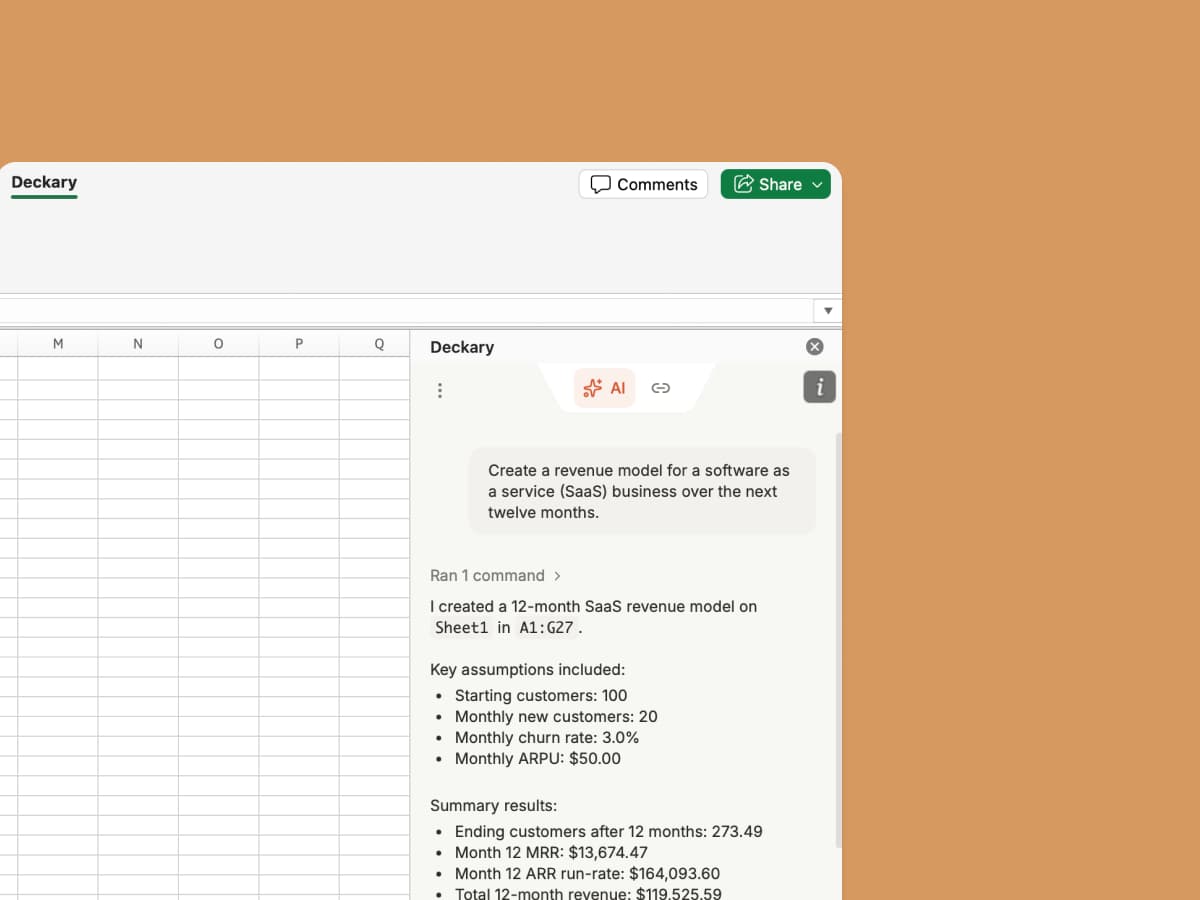
Logos sit alongside Deckary's AI slide builder, charts, icons, and brand controls.

AI Slide Builder
Create and edit slides with AI. Describe your topic, attach data, and get polished slides — automatically using your brand fonts, colors, and layout.

Brand Control
Every slide AI creates follows your brand guidelines. Run consistency checks across your deck and save approved slides to a shared library.

Charts & Timelines
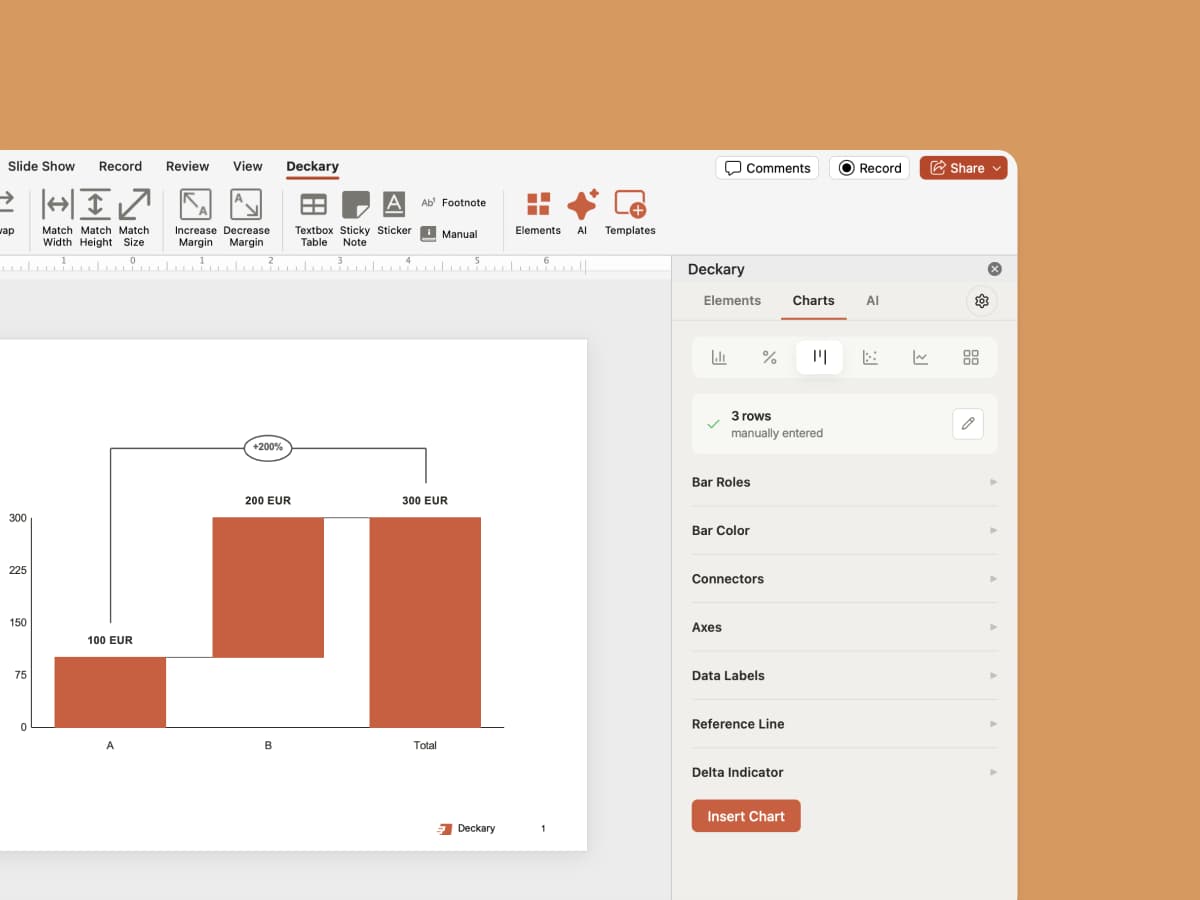
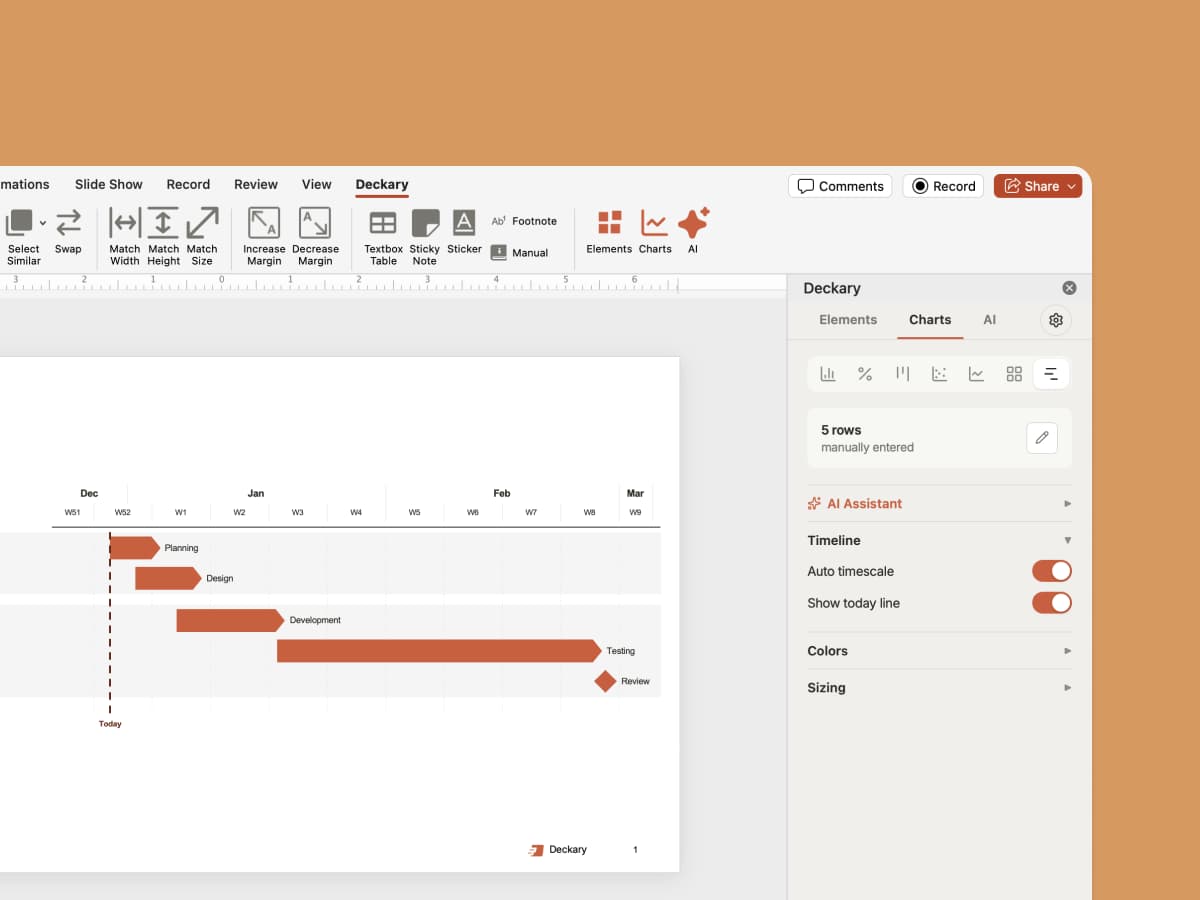
AI generates waterfall, Mekko, Gantt, and bar charts — linked to Excel and styled to your brand.

Icons & Images
2,000+ icons auto-suggested by AI based on your slide content. Country flags and AI-generated images included.

Shortcuts
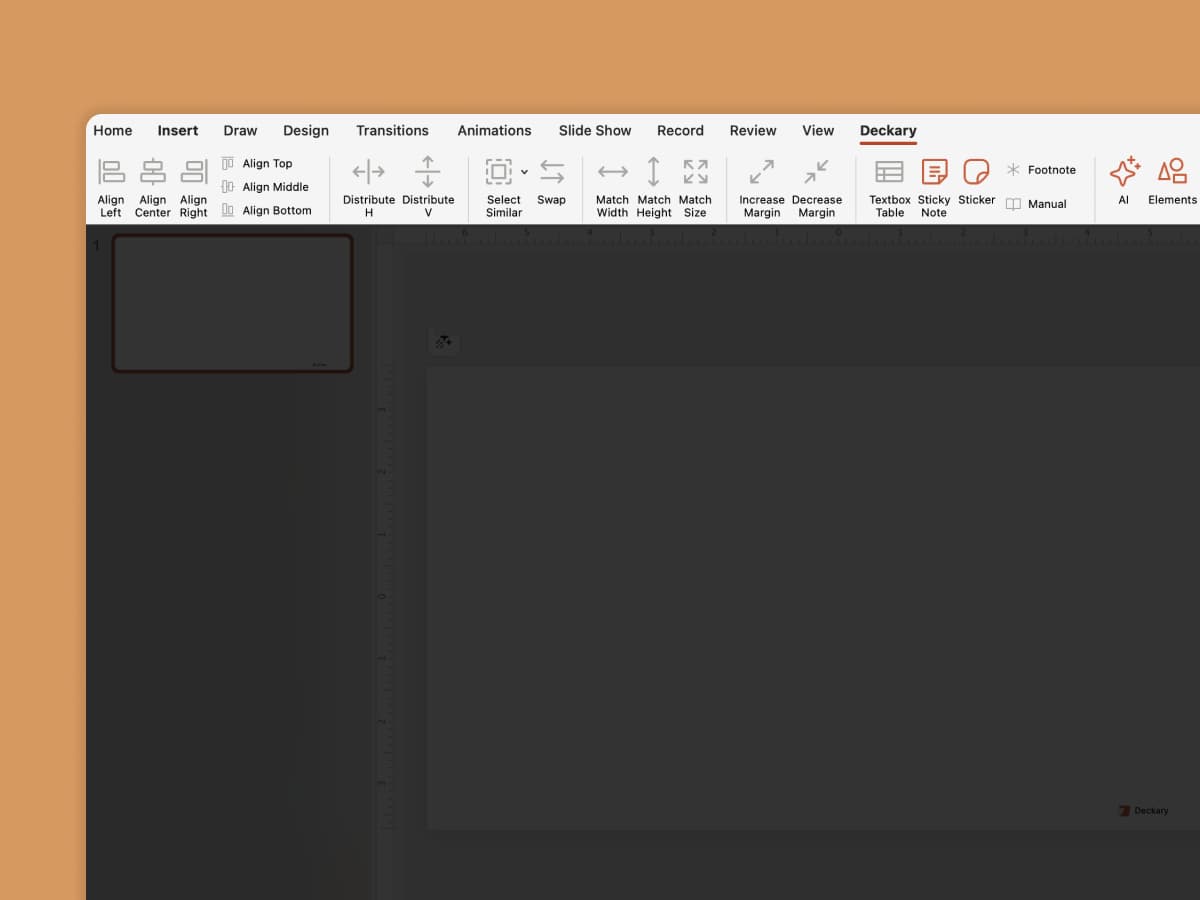
Align, distribute, swap, and resize — keyboard shortcuts used by top consulting firms.
Drop any company logo onto your slide
Competitive landscape, trusted-by strip, portfolio grid, case study. Type the name, pick the match, move on.

Frequently Asked Questions
Everything you need to know about inserting company logos in PowerPoint
Related features