Keyboard Shortcuts Helper
Align, distribute, and resize objects with hotkeys. This optional desktop app enables system-wide keyboard shortcuts.
1
Download and run the installer
Click the download button above and run Deckary Setup.exe.
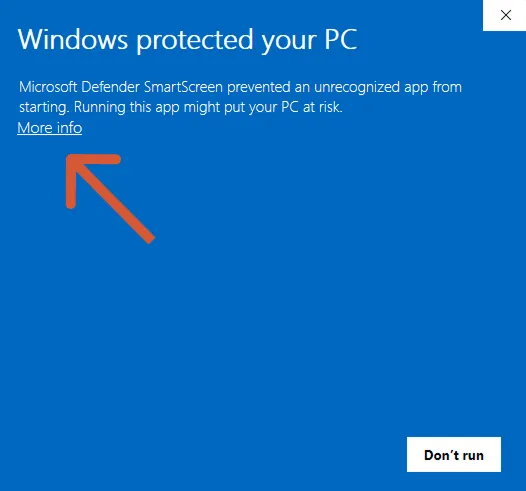
Windows SmartScreen: Click More info → Run anyway.
2
Complete the installation
Follow the installer prompts. The app will start automatically when done.
3
Sign in and start using shortcuts
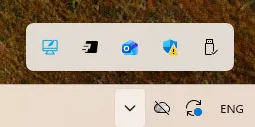
Sign in with your Deckary account. The helper runs in your system tray.
Open PowerPoint and try Ctrl+Alt+Left to align objects!
Need help? Check the shortcuts guide or contact us.
Related resources